DIGITAL INTERACTIVE
Two New Google Search Console Features Require a Decision From Every WordPress Site Owner This Month
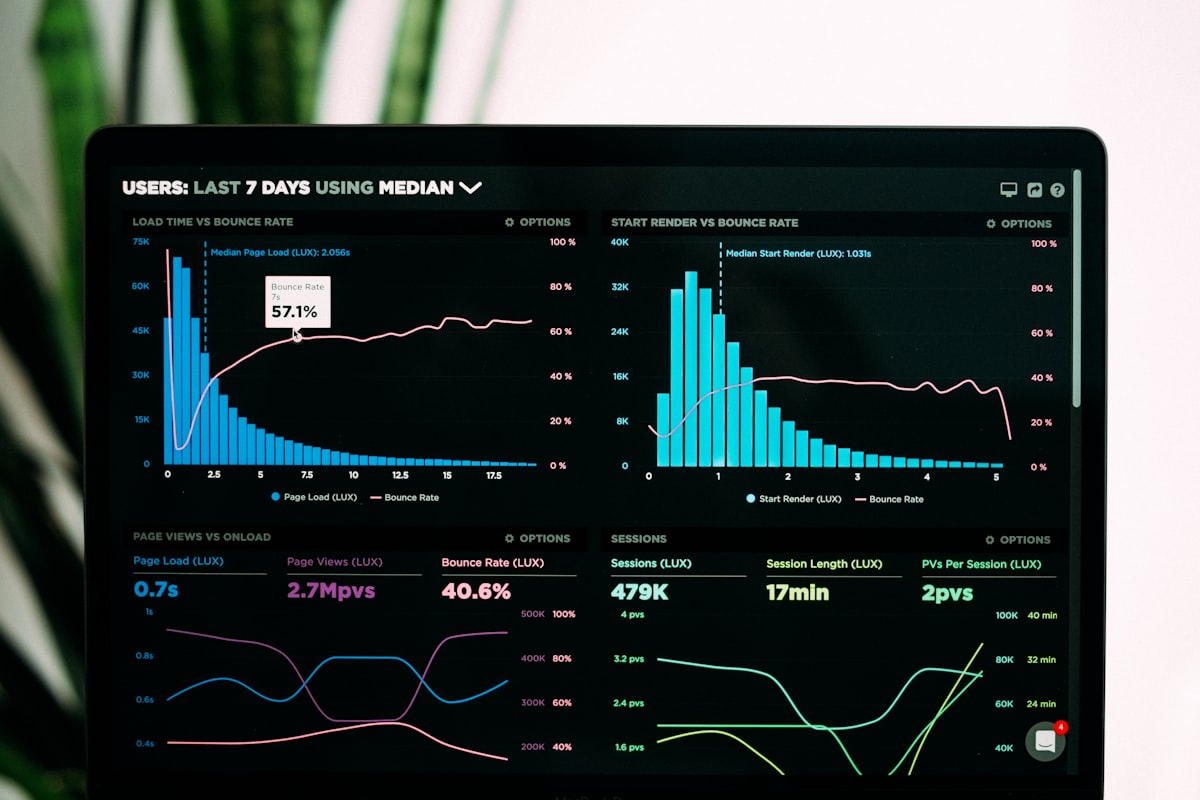
Two Separate Tools. Both Need a Deliberate Look.
Google pushed two distinct Search Console features this summer that share nothing except the dashboard they live in — and both land directly on WordPress site owners and the agencies managing them. The first is platform properties, a brand-new property type that lets you track how your Instagram, TikTok, X, and YouTube content performs inside Google Search and Discover, verified through a platform login rather than a DNS record. The second is the Generative AI Controls toggle, a Settings-level switch that determines whether your site’s content can appear in AI Overviews, AI Mode, and Discover’s generative AI features. Neither is optional in the sense that ignoring them means operating blind on two surfaces where your site’s visibility now lives.
Platform Properties: Social Content Has Always Had Search Visibility. Now You Can Measure It.
On July 7, 2026, Moshe Samet, Product Manager Lead for Search Console, published the official announcement on the Google Search Central Blog. By July 29, 2026, the feature completed its global rollout to all accounts. The announcement confirmed what was already quietly building: Google increasingly surfaces Instagram Reels, TikTok clips, X posts, and YouTube videos directly in Search results and the Discover feed, but until now that visibility was completely unmeasured from the site owner’s side. Platform properties close that gap.
The setup is simple and does not involve DNS records or HTML file uploads. Open the property selector dropdown in Search Console, click Add property, select one of the four supported platforms — Instagram, TikTok, X, or YouTube — and complete the on-screen account authorization. Each handle or channel is its own separate property, so a brand running both YouTube and Instagram adds two properties. Google’s help documentation notes that ownership is periodically re-checked for security; if a connected token expires, reporting pauses until re-verification. Allow up to 48 hours after linking before the Performance report starts populating.
The reports surface three things: clicks and impressions per post (filterable by search query), an Insights-level summary of traffic trends and top-performing posts, and an Achievements section tracking 28-day milestones. What these reports do not show is in-platform engagement — views, likes, and follower counts still live in TikTok Analytics, Instagram Insights, and YouTube Studio. The new Search Console data answers a narrower but often more commercially useful question: which of your social posts are earning visibility in Google Search, and what queries are triggering those appearances. If a YouTube tutorial is the asset actually ranking for a high-intent query rather than the blog post you spent three hours writing, this is where you find out.
One operational note for agencies: there is no bulk setup path. Each platform property is verified individually, account by account. Google’s announcement does not reference an API for programmatic setup. For teams managing a portfolio of client accounts with active social channels, budget the setup time accordingly before promising clients a live dashboard.
Generative AI Controls: The First Toggle That Separates AI Features From Organic Rankings
The AI Controls feature is a few weeks older but still rolling out across accounts. On June 3, 2026, Google launched a dedicated Generative AI performance report in Search Console alongside a property-level opt-out toggle — initially limited to a subset of UK site owners following a binding conduct requirement from the UK’s Competition and Markets Authority. As of July 2026, the setting has been appearing on U.S. and international accounts, with rollout continuing on a per-property basis. The toggle lives at Settings → Search generative AI inside Search Console.
Three states are available: Include (the default — your content is eligible to appear in AI Overviews, AI Mode, and AI Overviews in Discover), Exclude (your content is blocked from all three surfaces), and Inherit from parent (child properties follow the parent property’s setting). Setting a property to Exclude removes it from AI-generated answer surfaces while leaving standard organic rankings, featured snippets outside of AI features, and the Gemini app completely untouched. Google has confirmed the toggle is not used as a ranking signal for traditional Search — a meaningful assurance given how blunt prior tools were.
This is the first mechanism to surgically isolate generative features from everything else. Robots.txt’s Google-Extended token blocks AI model training but not AI Overviews appearances. The nosnippet directive removes content from AI features but simultaneously strips your organic snippet. The new GSC toggle handles AI surfaces only, with no organic-snippet tradeoff. That separation is what regulators pushed for, and what Google has now shipped.
For most WordPress sites — lead generation pages, service sites, WooCommerce stores, agency portfolios — the default Include setting is the right call. AI Overviews now reach over 2.5 billion monthly users per Google’s own figures, and AI Mode has surpassed one billion monthly users. Being cited in an AI answer builds brand visibility even on sessions that produce no immediate click. The case for Exclude is narrower: subscription publishers or premium-content operators whose revenue model depends directly on clicks and whose content is detailed enough to be fully summarized without a visit may have a real argument. Before touching the toggle either way, open the Generative AI performance report to check your current impressions data — the report has been recording since May 18, 2026, and gives you actual page-level visibility to anchor the decision.
What WordPress Teams Should Do Before the End of the Week
The checklist is short. Open Search Console for every property you manage. Check the property selector for the Add property option and connect any active social or video channels as platform properties — one per handle, one per platform. Then navigate to Settings → Search generative AI on each property and confirm the toggle state is deliberate, not just a default no one has reviewed. Google has indicated page-level controls for the AI toggle are planned for March 2027, which would add URL-level exclusions on top of the current property-wide binary. For now, the site-level decision is what you have — and it is worth making explicitly rather than letting a default run indefinitely.
Frequently Asked Questions
- Do I need a website to use platform properties?
- No. Platform properties can be verified using only a qualifying Instagram, TikTok, X, or YouTube account. No domain ownership is required.
- Does the Generative AI Controls toggle affect my rankings in standard Google Search?
- No. Google has explicitly confirmed the setting is not used as a ranking signal for standard organic results. Opting out only removes your site from AI Overviews, AI Mode, and AI Overviews in Discover.
- Does the AI Controls toggle also block the Gemini app?
- No. The toggle governs Google Search products only. The Gemini app is explicitly excluded from its scope. Google-Extended in robots.txt is the separate mechanism for Gemini model training.
- If I don’t see platform properties or the AI Controls toggle in my account yet, is something wrong?
- No. Both features are rolling out gradually across accounts. If the options are not yet visible in your property selector or Settings panel, expect them to appear in the coming weeks.
Sources:
- See how content from social and video platforms performs on Google Search
- About platform properties in Search Console
- New opportunities, control and insights for website owners
- Google Opens Search Console Data to Instagram, TikTok, X and YouTube for All
- August 2026 Google Webmaster Report